
The Ultimate Manager App
for Professional Sitters.
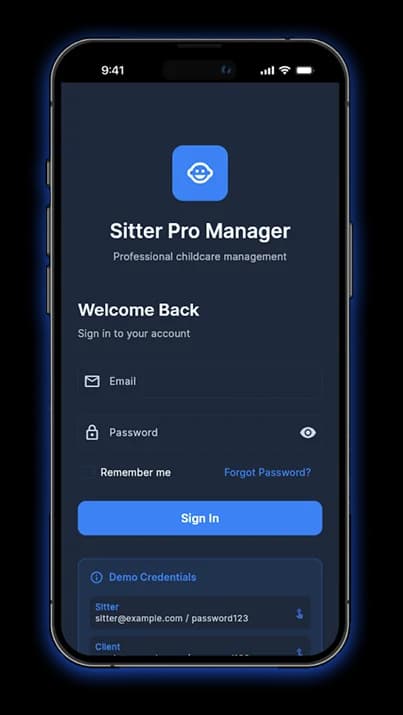
SittersPro brings everything sitters need into one place for.
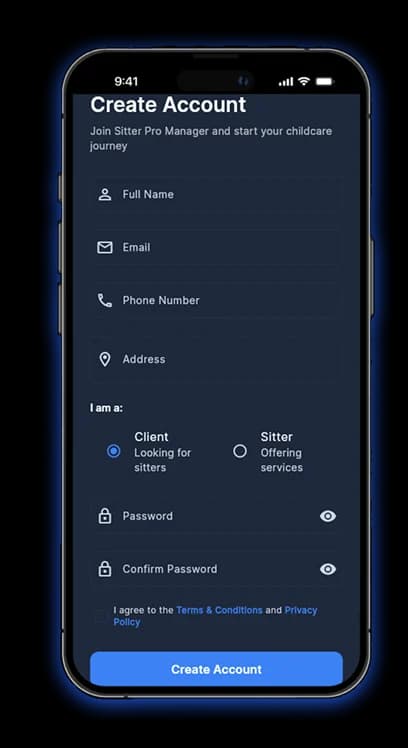
Don’t Miss Any Client
Manage Every Booking Like a Pro
Are you tired of missing booking requests or forgetting follow-ups?
With Sitters Pro Manager, you can instantly view new client requests, manage your schedule, and confirm bookings without any hassle.

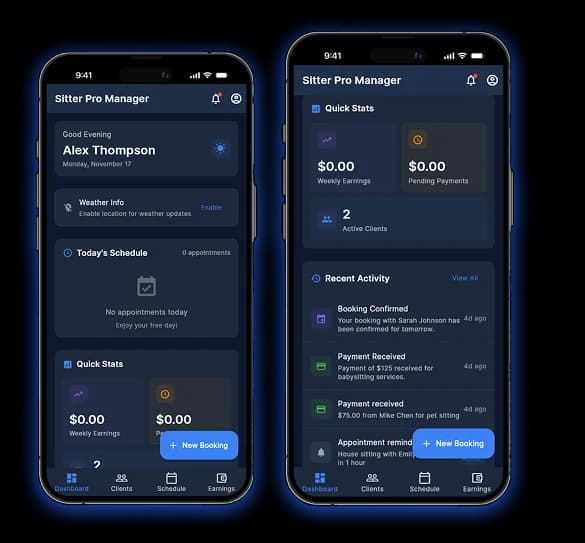
Real-time Notifications
Get alerts the moment a client reaches out.

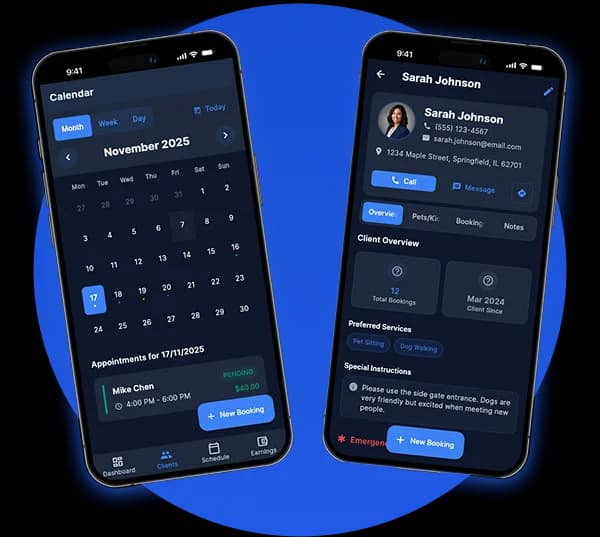
Smart Calendar
Avoid double-booking with a synced and clean calendar view.

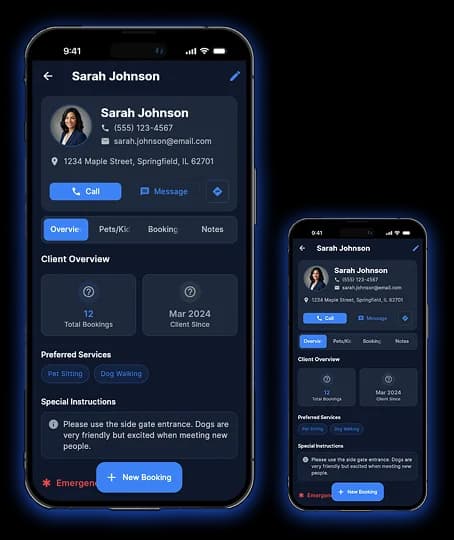
Client Profiles
Access full client history to build stronger, repeat relationships.
Only first 100 Sitters Will Ever Get This
Forever Free.
Manage clients, bookings, payments, and communications — all in one place.
No monthly fees. No trial. Lifetime access, just for the first 100 early adopters.
Your All-in-One Client,
Finance & CRM Power Hub
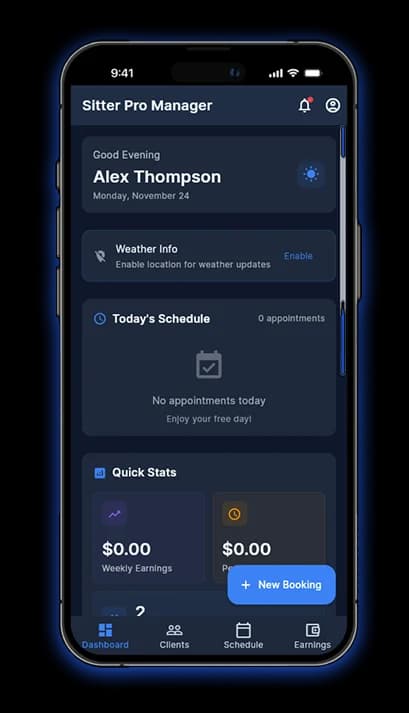
Manage clients, bookings, and payments effortlessly while keeping all your communication and schedules organized in one powerful CRM hub.
Client Management & CRM
Keep all your clients, pets, and properties organized in one place — store full contact details, track specific needs, and link multiple profiles for seamless, professional service.
Booking & Scheduling
Easily manage all your appointments with a smart calendar — create one-time or recurring bookings, set availability, and keep your schedule organized to avoid overlaps.
Communication Hub
Stay connected with clients effortlessly — send automated booking confirmations, reminders, and follow-ups using ready-to-use templates, all directly from the app.
Reminders & Notifications
Never miss a task or appointment — get automated reminders for upcoming jobs, to-dos, and client communications, keeping your schedule on track and stress-free.
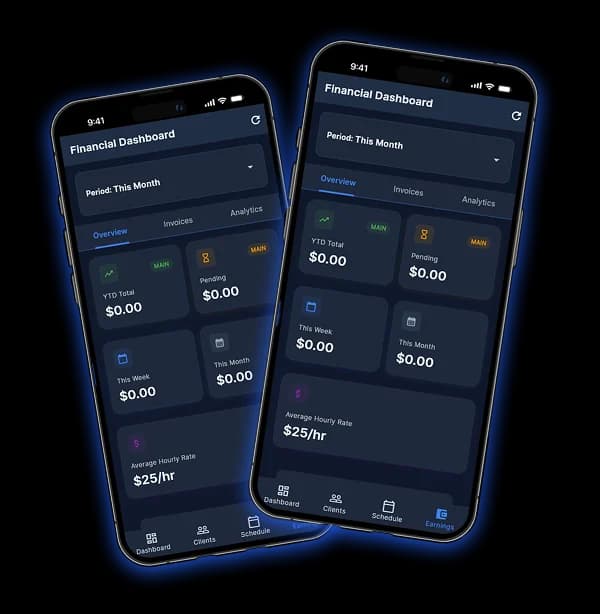
Financial Tracking
Keep all your clients, pets, and properties organized in one place — store full contact details, track specific needs, and link multiple profiles for seamless, professional service.
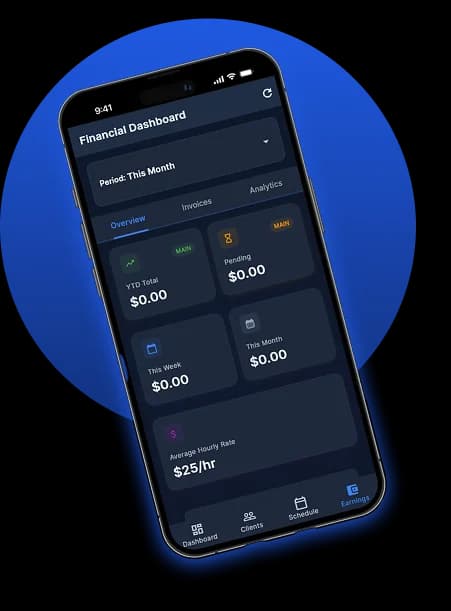
How to Get Early Access
Stay organized with smart tools that make scheduling easy and invoice tracking stress-free.

Step 1: Secure Your Link
Sign up on our site to receive your private download link. Since we are in the early-access phase, we are hand-delivering the app to our first 100 power users.

Step 2: Simple Installation
Follow the instructions in your welcome email to install Sitterpro directly on your device. It takes less than 60 seconds to get started.

Step 3: Manage Your Day
Start using your Smart Calendar and Client Profiles immediately. Your feedback helps us build the future of sitting!
Sitters Speak: Real Stories, Real Success

The Pet Sitter
“Before Sitterpro, my scheduling was a mess of sticky notes and lost texts. Now, I use the Smart Calendar to manage my daily walks without ever double-booking. The Client Profiles allow me to keep track of every pup's allergies and emergency contacts in one secure place. It has truly professionalized my business!”
Frequently Asked Questions
Find answers to the most common questions, covering everything from setup to advanced features, to help you get the most out of the platform.